


For Dump Truck Drivers and Owner Operators
Quarry Connect Driver App
The free Driver App shows your Jobs, tracks each haul and sends your tickets to your Broker for payment.
Your Broker needs to be using the Quarry Connect Software to send you Jobs.
- Free for Drivers
- Accept or reject Jobs on your phone
- Start and stop each haul
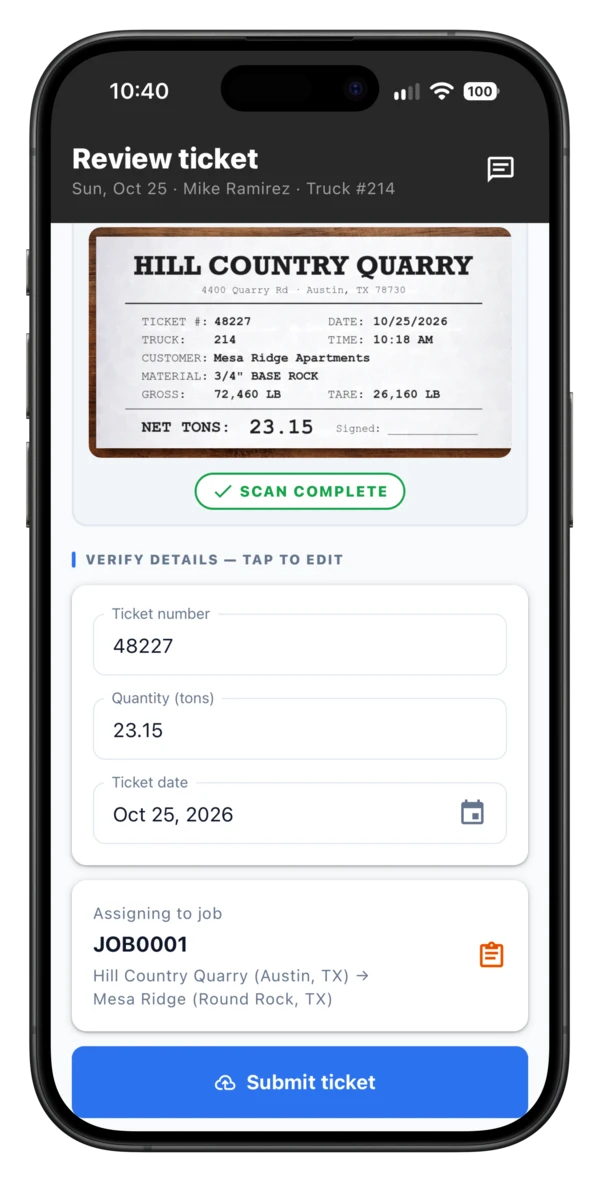
- Upload a ticket onto each haul
- Works offline, for job sites with no signal
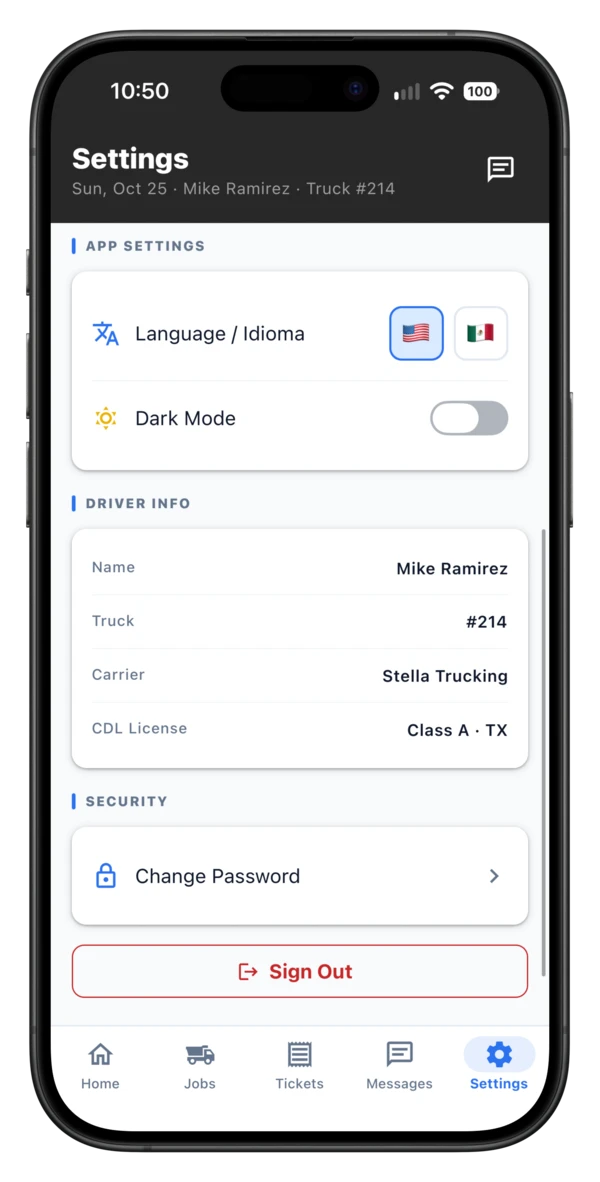
- English and Spanish
- Location is only tracked while a haul is active
-
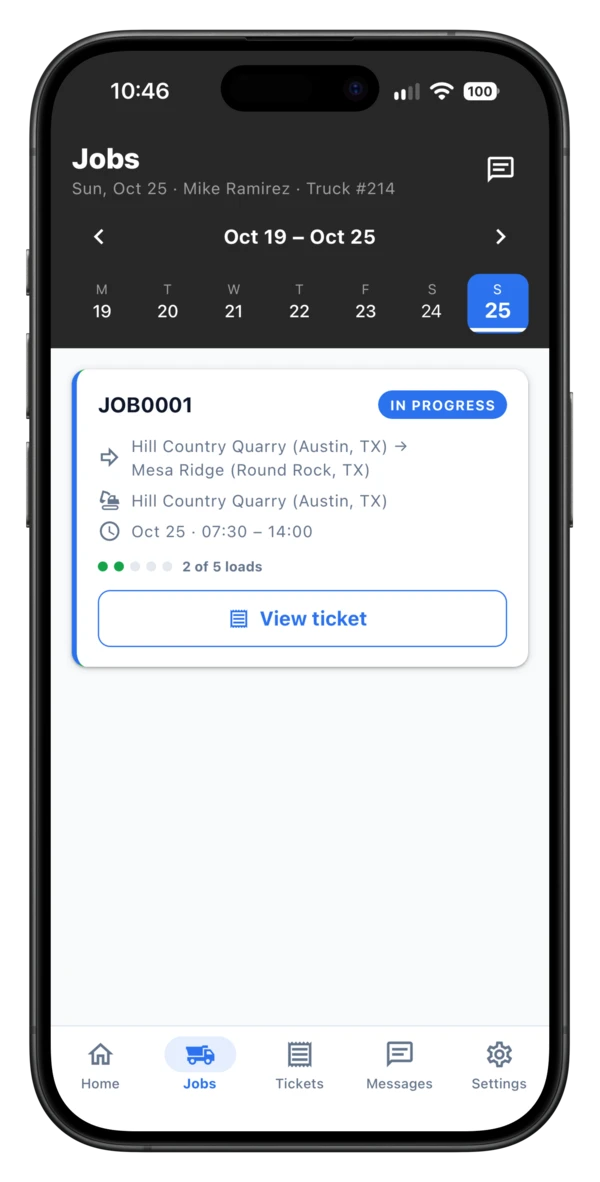
See your Jobs
-
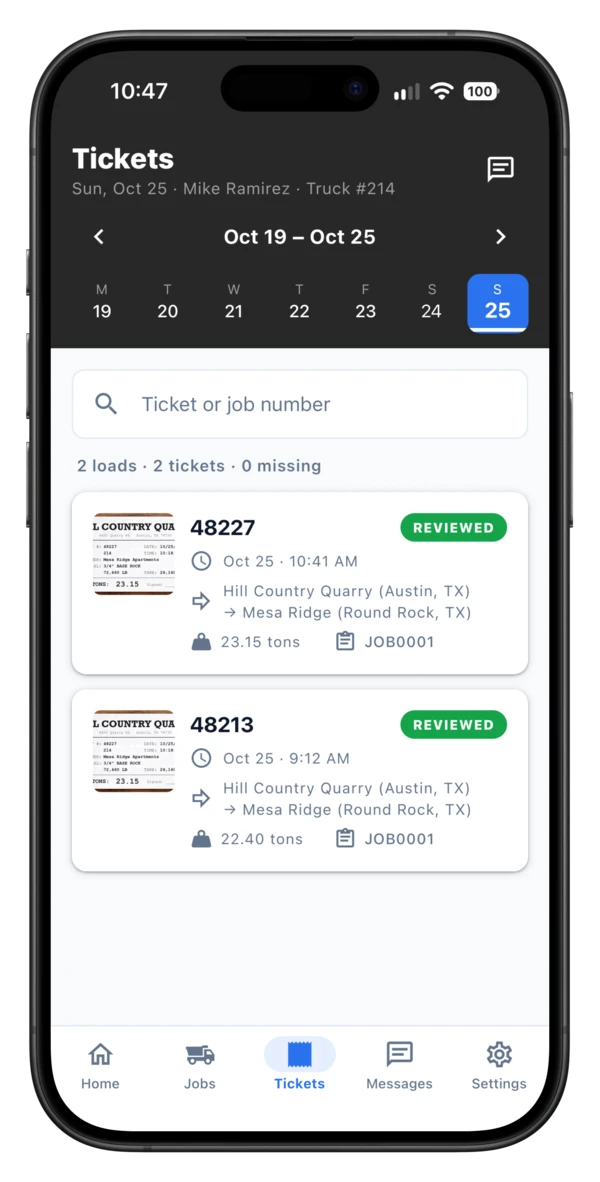
Haul Jobs
-
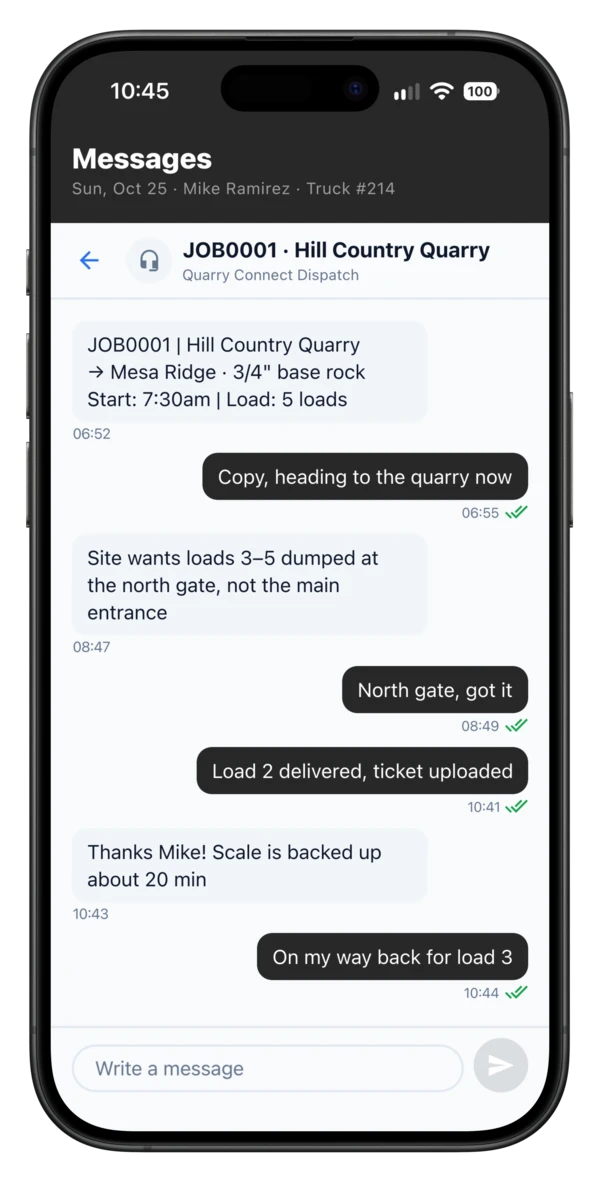
Message dispatch
-
Scan your tickets
-
English or Spanish
How it works
How Quarry Connect Works
Your Driver account keeps a copy of your haul data, your tickets and haul locations. Each Broker you haul for gets a copy for their own Jobs only. To haul for a Broker, they send you an invite and you accept it.

Mobile App
Driver
- See Jobs and accept or reject them
- Start and stop each haul, with location tracked
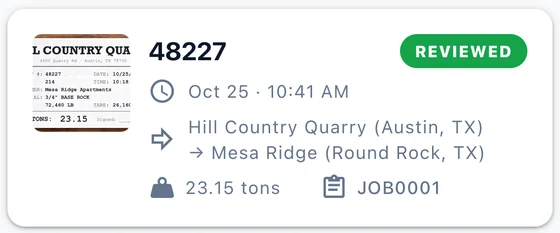
- Upload a ticket onto each haul
- Store and send ticket and location data to the Broker for payment
- Broker invites Driver to haul for them
- Broker sends Job to Driver
- Driver Accepts or Rejects Job
- Driver Submits Tickets
- Broker Pays Driver
Quarry Connect Software
Broker
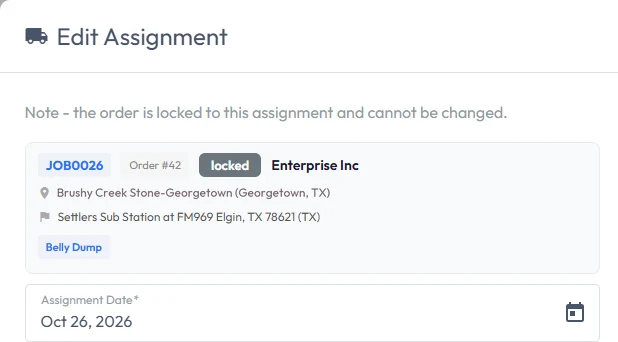
- Creates Jobs and assigns Drivers
- Reviews Tickets
- Invoices Customers
- Pays Driver for their Tickets
Each Driver account can be associated with any number of Brokers using the Quarry Connect Software. The Driver has all their tickets in one place; each Broker sees only their own Jobs and the tickets the Driver submits to them.
A Broker and a Driver?
If you are a Broker and a Driver, sign up for the Quarry Connect Software to set up your Customers, Jobs and Vendors. You can then either upload tickets directly into the Quarry Connect Software, or use its dispatch to assign Jobs to your own truck and use the Driver App to track and submit your tickets.
And if you ever want to hire a second Driver, you can add them easily, and they can start working for you straight away.